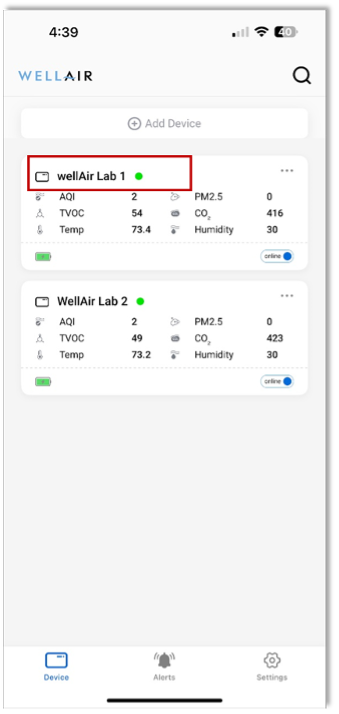
NanoDetect PRO Status + IAQ / IEQ Parameters
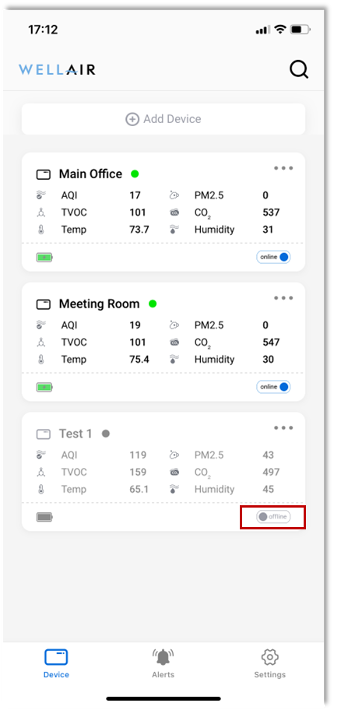
The NanoView App main screen provides a high-level overview of all NanoDetect PRO devices connected to your account.
Each NanoDetect PRO device is displayed as an individual device tile, which includes the following information:
Device name and AQI status displayed as a colored circle to the right of the name.
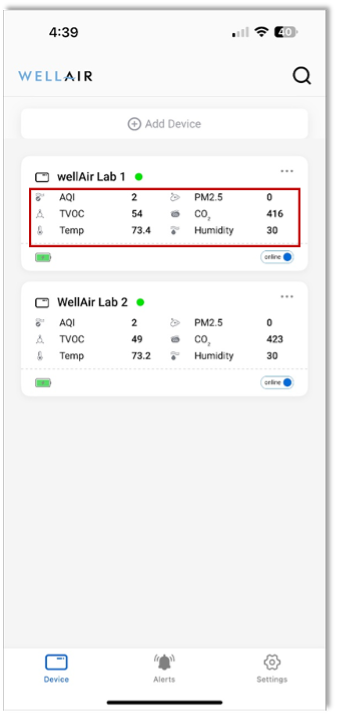
Real-time IAQ / IEQ measurements
Up to six IAQ / IEQ parameters can be displayed in this view. The specific parameters shown are user-configurable within the Settings tab.
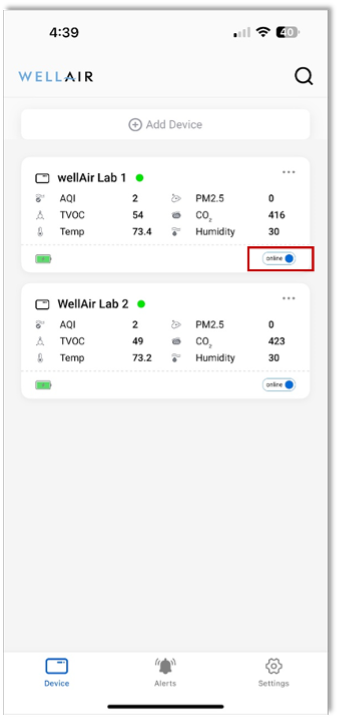
Device status indicator
• Online – device is connected and reporting data
• Offline – device is not currently connected or reporting data
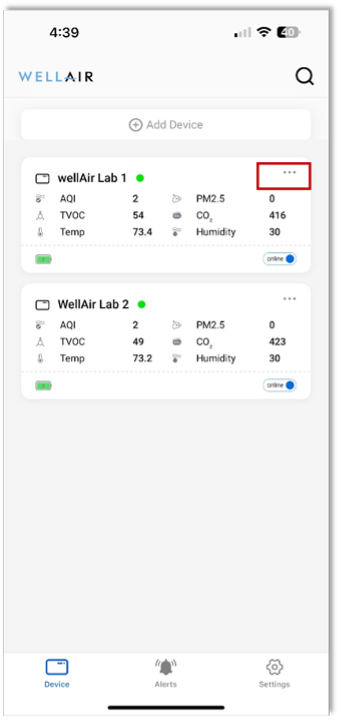
By selecting the More Options (… ) icon in the top-right corner of a device tile, users can:
• Edit the device name for easier identification
• Remove the NanoDetect PRO device from the NanoView App